
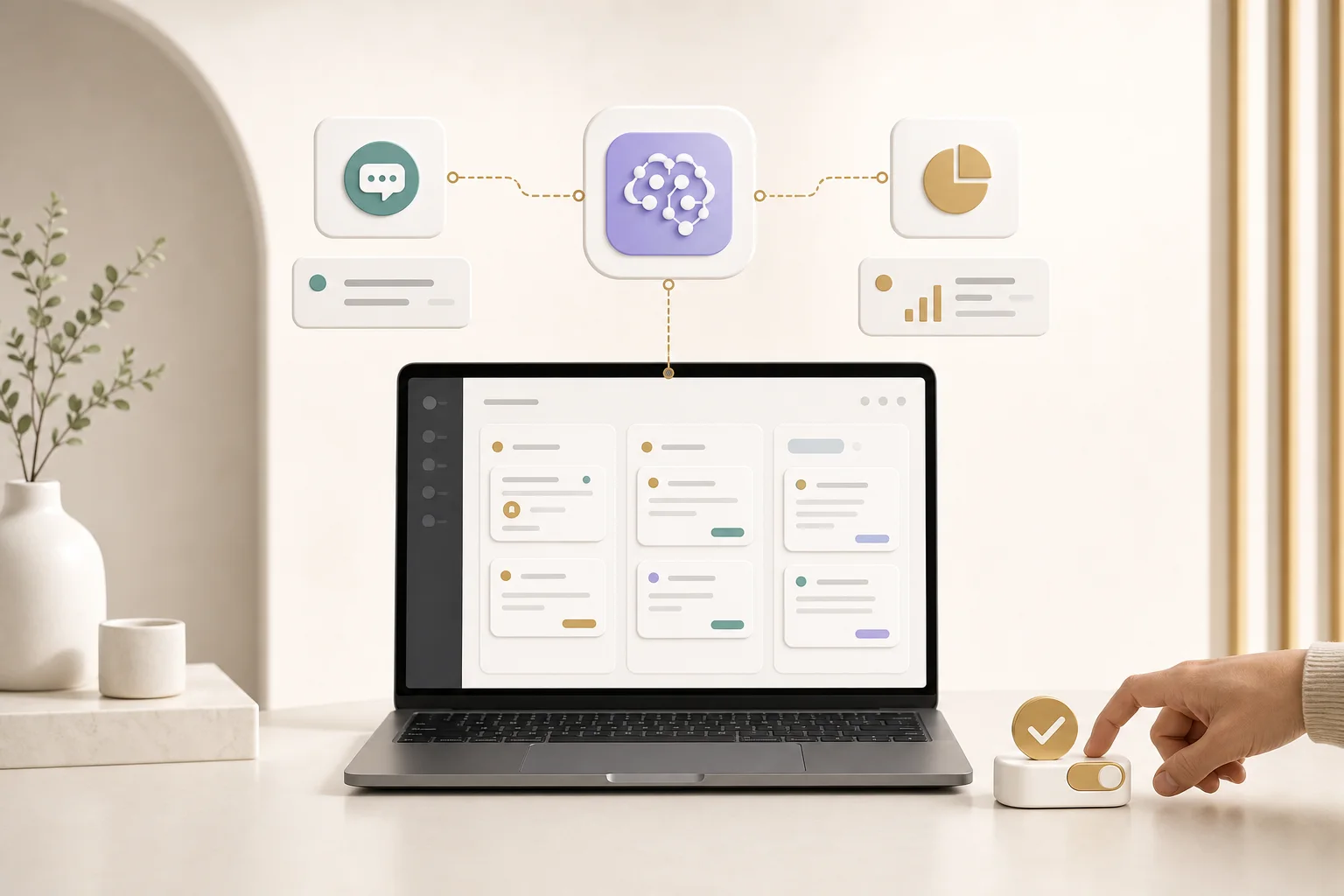
For most startups, the first AI feature should not be the most impressive demo. It should be the workflow that saves the team time every week or helps customers finish a task faster.
Useful places to add AI
- Customer support drafts and knowledge base answers
- Admin summaries for orders, users, tickets or reports
- Content generation with human approval
- Lead qualification and CRM notes
- Internal search across product, customer or operations data
- Automation for repetitive back-office tasks
The common pattern is simple: AI prepares, summarizes, suggests or automates. A human still has a clear way to review, approve and correct important actions.
What to avoid
Avoid adding AI because it sounds modern. If the feature does not reduce time, increase conversion, improve quality or unlock a new workflow, it is probably noise.
Also avoid building AI without product context. The model, data, interface, permissions and fallback behavior all matter. A useful AI system is still a product system.
How BuilderKing builds AI features
We connect AI to the real workflow: the app screen, the admin action, the data source and the business rule. That is where a feature becomes useful instead of magical-looking but fragile.
BuilderKing can add AI to new products or improve existing products with practical automations, agent-style workflows and dashboards that help teams move faster.
Fast AI audit
If you are unsure where AI belongs, send us your current workflow. We can identify the few places where AI can save real time without making the product harder to use.
Ask about AI integration